
Every image task.
One simple workspace.
Convert, compress, and prepare your images with easy online tools for JPG, PNG, AVIF, TIFF, BMP, SVG, and more. Pick a tool, add your file, and get your result.
Start with a goal
What would you like to do?
Jump straight into a format directory or choose a tool for your image workflow.
The tool collection
Find your image tool
Choose a converter below or search by tool name, format, or task.
PNG to JPEG Converter
Convert supported PNG images into widely compatible JPG or JPEG files.
Open converter →JPEG to PNG Converter
Create a PNG copy from supported JPG or JPEG images.
Open converter →Image to JPG Converter
Convert supported image formats into JPG files for everyday workflows.
Open converter →Image to PNG Converter
Make PNG versions of supported graphics, screenshots, and images.
Open converter →AVIF to PNG Converter
Convert supported AVIF images to PNG for compatible apps and workflows.
Open converter →TIF to PNG Converter
Create PNG copies from supported TIF or TIFF image files.
Open converter →BMP Converter
Convert images to BMP when your application or project needs bitmap format.
Open converter →Image to SVG Converter
Explore SVG output and confirm it suits your vector or graphic needs.
Open converter →Image Compressor
Reduce file size to prepare images for uploads, websites, or sharing.
Open compressor →Made for everyday image work
Simple tools. Less friction.
A clear place to handle common image conversion and file-size tasks.
Easy to get started
Choose a tool by format or task, then follow the steps shown on its page.
Useful format coverage
Find common JPG and PNG converters alongside AVIF, TIFF, BMP, and SVG tools.
Works across screens
The homepage adapts to desktop, tablet, and mobile so tools are easy to browse.
Three simple steps
From source file to ready-to-use image
Choose your tool
Match your image format and the output you want.
Add your image
Use the tool’s upload area and check the supported file limits.
Download and check
Save the result and open it to make sure it meets your needs.
A few quick answers
Image tool FAQs
Are the image tools free to use?
PixxelConverter presents its tools as free to use without requiring an account. Check each tool page for its current file limits and supported formats.
Which format should I choose?
JPG is widely supported for photos. PNG can be useful for graphics and transparency. Pick the format that matches your intended use and check the result.
Can I use these tools on mobile?
The tool pages are designed to be usable on modern mobile browsers as well as desktop screens.
Where can I find every converter?
Open the Image Converters directory to browse the available tool collection.
Ready to work on your next image?
Browse the full converter directory or open the image compressor to get started with a supported image task.
A note from the people behind PixxelConverter
The right format depends on what you need the image to do.
We build PixxelConverter around small, practical image tasks. A conversion should make a file easier to use—not leave you guessing what changed. A few format details are worth knowing before you start.
When transparency matters
PNG can keep transparent areas. JPEG cannot, so those areas need a background colour when you convert. If you need transparency later, keep the original PNG.
When you need a vector graphic
An SVG file is not automatically an editable vector drawing. Converting a photo into an SVG container does not by itself trace the photo into clean paths. Check the output before using it in a design workflow.
When the image is for print or upload
Pixel dimensions, DPI metadata, file size and the destination's rules can all matter. Use the Image DPI Checker to inspect dimensions and embedded DPI information.
Each tool page should explain its accepted formats, file limits and important trade-offs. If a detail is not listed, do not assume every file will behave the same way.

100% Free • No Sign Up • Secure Processing
Convert, Compress & Edit Images In Seconds For Free
Convert JPG, PNG, WEBP, AVIF, HEIC, GIF, SVG, BMP and more with fast, secure online tools. Compress, resize, crop, and optimize your images without losing quality.



Our Popular Tools
Our Best Tools That Helping Thousands Of People
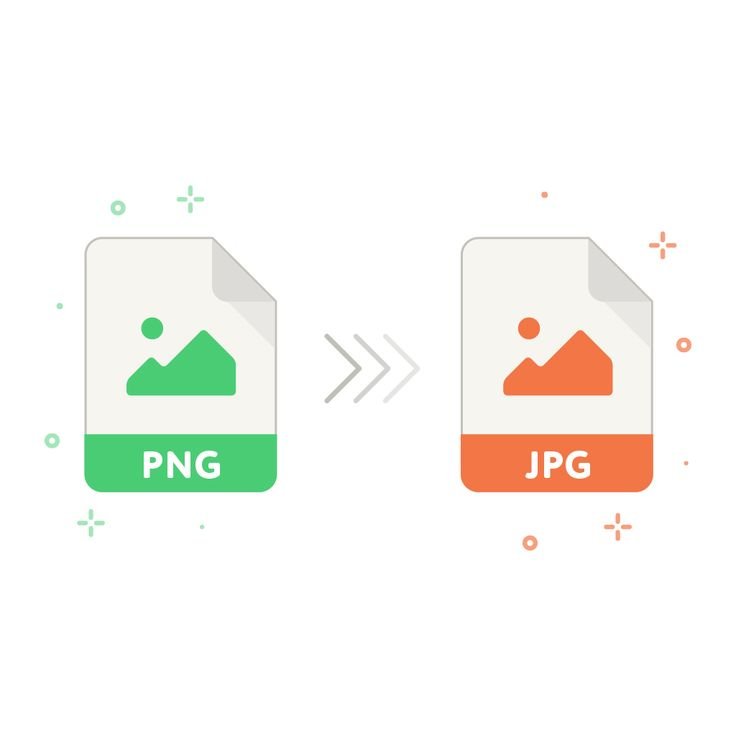
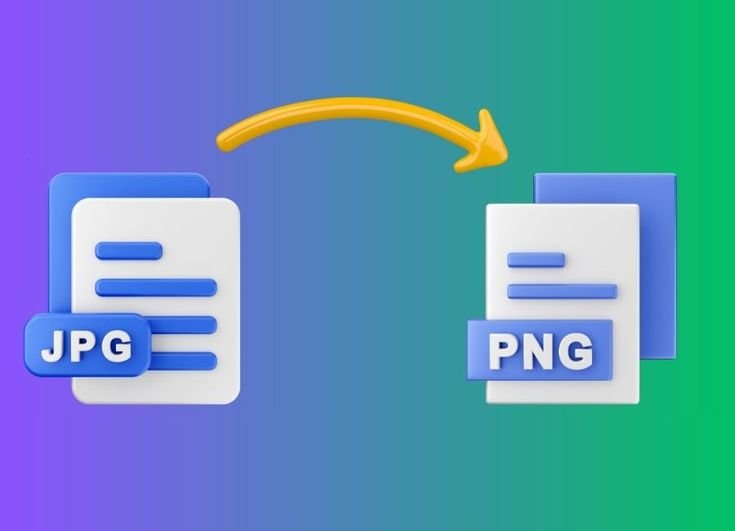
Image Compressor
Compress any Image any Time
Choose the Right Free Online Image Tool
PixxelConverter brings together free online tools for common image conversion and optimization tasks. Choose the converter that matches your file and goal: use the Image to PNG Converter when you need PNG output, the Image to JPG Converter for a widely supported photo format, or the PNG to JPEG Converter when you want a JPEG copy.
You can also convert with our JPEG to PNG Converter, TIF to PNG Converter, BMP Converter, and Image to SVG Converter. For smaller image files, use the Image Compressor. Each tool lists its supported formats and file limits, so check those details before uploading. Most image processing runs in your browser, so you can use the tools without installing desktop software. If you need a fully editable vector graphic, confirm the SVG output meets your requirements before using it in a production design.